Straight answers on missed-call text back, AI receptionists, lead follow-up and workflow automation, written for owners and managers of US service businesses. Every number you see is either sourced or calculated from your own inputs.
for most online stores, a large share of support tickets are about order status, shipping, returns and simple product questions. An AI assistant connected to your order and tracking data can answer those instantly and accurately after verifying the customer, draft replies for agents on trickier tickets, and route refunds above a limit, damage claims and complaints to people.
safe business AI rests on seven guardrails: a narrow scope, answers only from approved knowledge, tiered permissions for actions, explicit refusal rules, clear handoff triggers to people, complete logging, and a weekly review loop. Build them in before launch and your assistant becomes something customers and staff can trust.
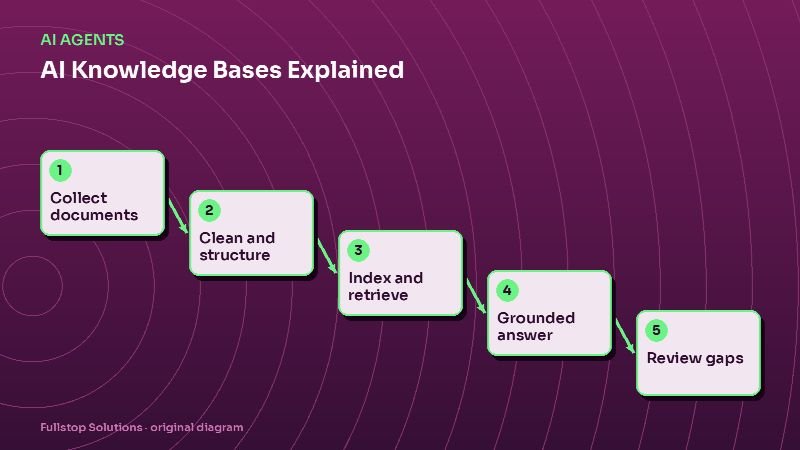
an AI knowledge base is the set of approved documents (FAQs, policies, service and product information) your assistant searches before it answers. The system finds the most relevant passages and the assistant writes a reply grounded in them, citing or linking where useful.
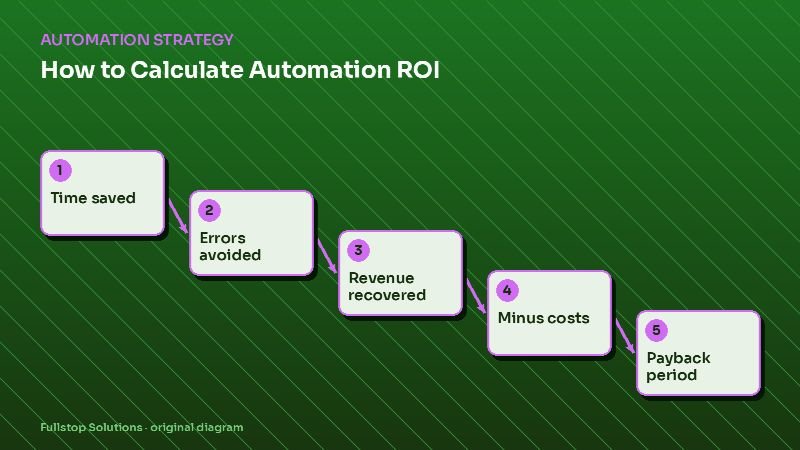
automation ROI = (value of time saved + cost of errors avoided + margin on revenue recovered − running costs) over a period, compared with the one-time build cost. Divide the build cost by monthly net benefit to get the payback period. Then rerun it with conservative assumptions; if it still works, it is a good project.
in most dental practices, the automations with the biggest payoff are hygiene recall outreach, appointment confirmations with a short-notice waitlist, digital intake and medical history forms, unscheduled treatment follow-up, insurance verification prep, and review requests. Together they protect chair time and give the front desk hours back each week.
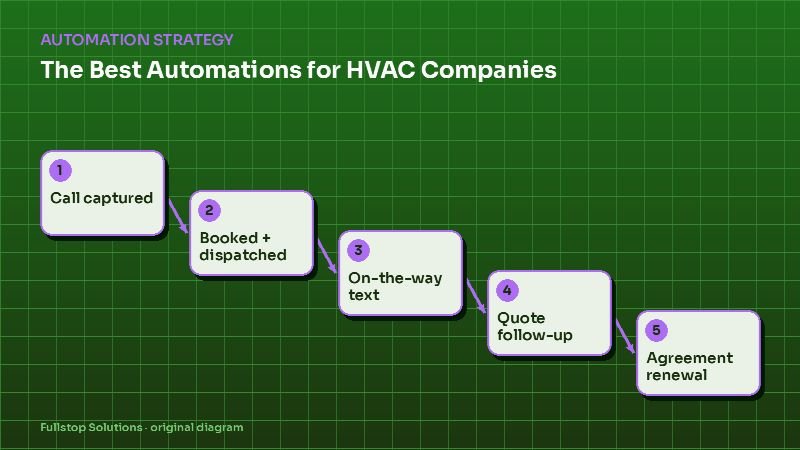
HVAC demand swings with the weather, which makes peak-season calls, replacement quotes and maintenance agreements the three places automation earns its keep. Here is the full list and the order to build it.
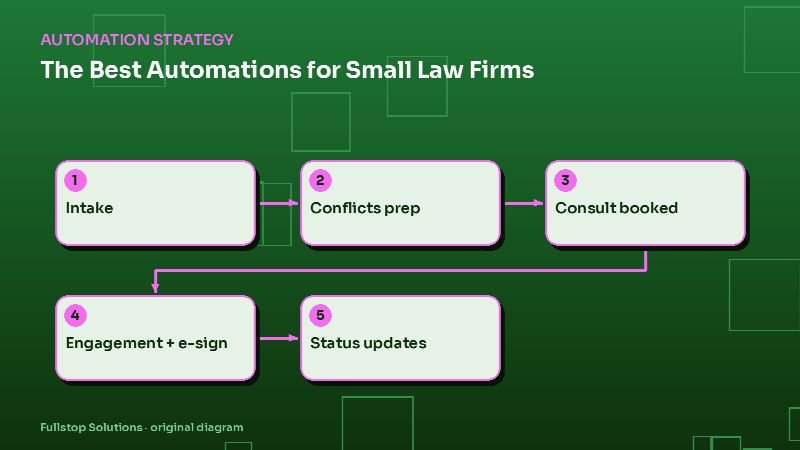
small law firms benefit most from automating intake and lead response, conflict-check preparation, consultation scheduling, engagement letters with e-signature, document requests, matter status updates and billing reminders. These save staff hours and keep prospective and current clients informed, while conflicts decisions, legal advice and fee conversations stay with attorneys.
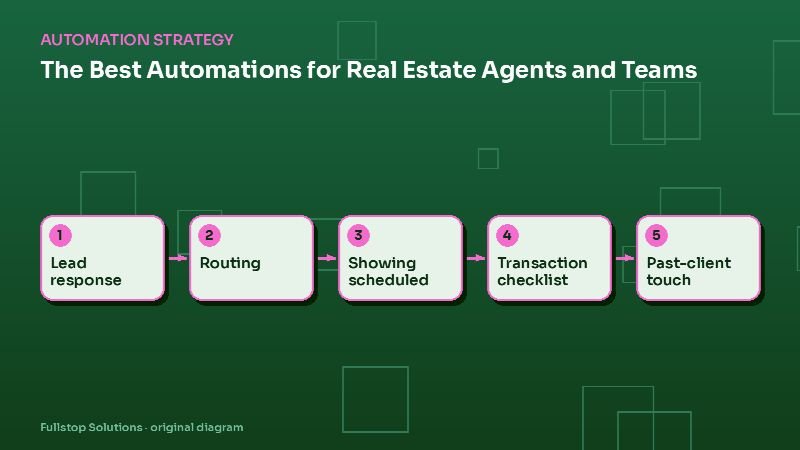
real estate agents and teams gain the most from automating six workflows: instant response to portal and website leads, lead routing on teams, showing scheduling, transaction milestone checklists, document collection, and long-term past-client follow-up. Automation handles timing and reminders; agents handle relationships and negotiation.
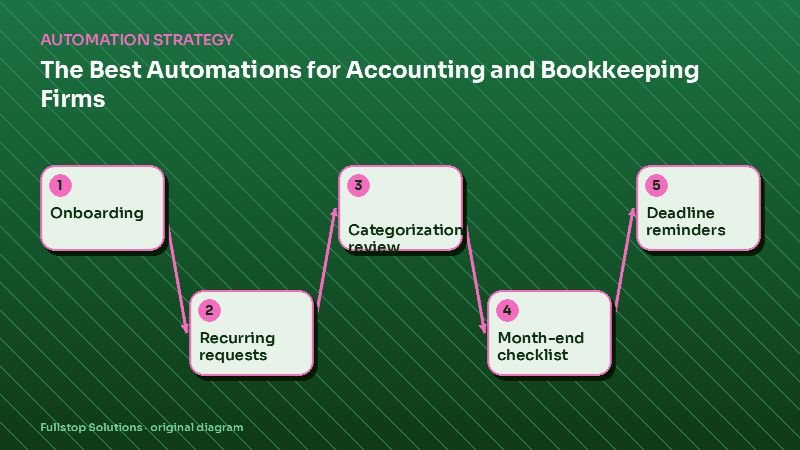
accounting, tax and bookkeeping firms gain the most from automating client onboarding with engagement letters, recurring monthly document requests, transaction categorization review queues, month-end close checklists, filing deadline reminders, and billing. The result is less chasing and more time for review and advisory work, with security controls the FTC and IRS expect.
check first whether software you already pay for can do it; if it can, use it. If the need is connecting tools with moderate logic, a no-code workflow tool is usually the fastest route. Choose a custom build when volumes, logic, data control or user experience go beyond what the other options handle well.
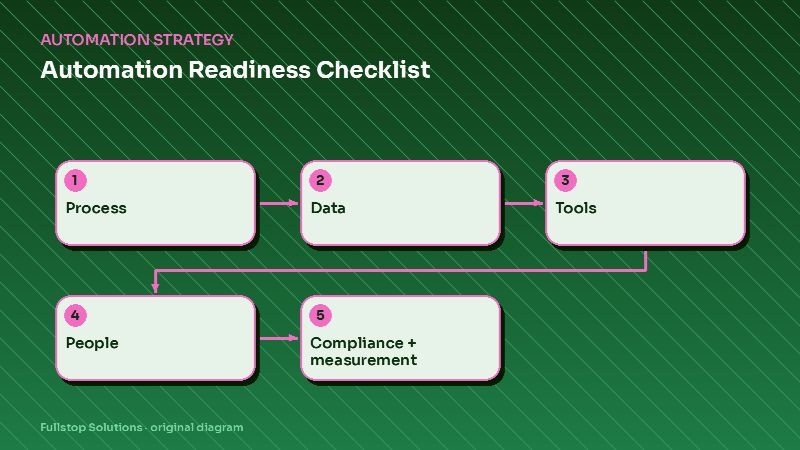
Automation projects fail most often because of unclear processes, messy data or no owner, not technology. This 25-question checklist shows where you are ready and what to fix first.
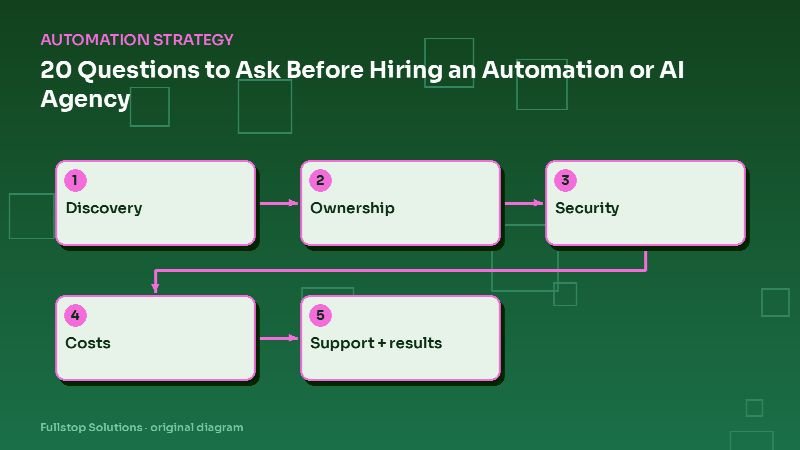
Hiring help to automate your business is easier when you know what to ask. These 20 questions cover discovery, ownership, security, costs, maintenance and measurement, and what good answers sound like.
6 min read ·
Want the short version for your business?
A free automation audit maps where your leads, calls and paperwork slip, and what to automate first.