Short answer: on November 10, 2026, OpenAI launched Businesses in ChatGPT in beta. Through Business Hub, owners can claim their business in ChatGPT, keep key details current and see aggregated insights such as mentions and website clicks. If you run a dental practice, pest control company or home-service business, claim your listing if it is offered, make sure your website answers the questions people ask before they book, and make sure every call or form that ChatGPT sends you gets answered. Business Agents, the chat agents inside ChatGPT, are limited at launch to eligible U.S. ecommerce and online service businesses.
This article summarizes OpenAI's announcement, the OpenAI Help Center setup guide and VentureBeat's coverage. The feature is in beta and details may change. We are not affiliated with OpenAI.
Published November 11, 2026.
What OpenAI launched
OpenAI says ChatGPT has 1.2 billion weekly users, and many of them now ask it to compare options and recommend providers. The new beta gives businesses three things:
| Feature | What it does | Who can use it at launch |
|---|---|---|
| Claim your business | Verify that you own or represent the business, then update key details. Retailers can add product feeds with pricing and availability. A blue check shows the profile has been claimed. | Eligible businesses where ChatGPT is available, depending on industry, location and verification. Initially businesses with a website. |
| Insights | Aggregated mentions, website clicks and "discovery topics", the themes of conversations where your website is cited. No individual chats are shared. | Claimed businesses, once there are enough interactions to meet privacy thresholds. |
| Business Agent | A clearly labeled AI agent that answers customer questions about your offerings, inside ChatGPT. It can be sponsored as the destination for ChatGPT Ads. | Eligible U.S. ecommerce and online service businesses with a website that meet the Business Agents Policy. |
Two caveats matter. OpenAI states that claiming does not guarantee higher placement or sales; ChatGPT keeps making independent recommendations. And according to VentureBeat, local stores and restaurants can currently claim only an existing U.S. listing, so a brand-new local business may not be able to add itself yet.
How to claim your business, step by step
Based on OpenAI's help center:
- Sign in to ChatGPT with the account you use for work and open Business Hub from the sidebar.
- Search for your business by name and select the listing that matches.
- Confirm the ChatGPT account that will manage it.
- Choose one of the verification methods offered for your business, such as phone, business email, website domain or Shopify.
- After the claim is approved, complete identity verification with Persona. Until you do, you cannot publish changes, view insights or create an eligible agent.
Tip: use a business email on your own domain and make sure the phone number on your website matches the one on your other listings. Mismatched details are a common reason verification gets stuck on any platform.
What to fix on your website first
ChatGPT cites websites. Discovery topics in Business Hub show the themes of conversations where your site is cited, which means the content on your site shapes how you are described. Before you worry about agents, make sure your pages answer the questions people ask right before they call:
- Dental practices: insurance plans you accept, new-patient availability, emergency or same-day visits, payment plans, hours and parking. See our best automations for dental practices and after-hours calls for dental practices.
- Pest control: service area by city or ZIP, pests you treat, whether you offer recurring plans, pet and child safety notes, and how fast you can come out. See pest control recurring service automation.
- Home services: emergency availability, service area, licensing, financing and how quotes work. See missed-call text back for HVAC.
Plain, specific answers in an FAQ section help people and help AI assistants quote you accurately. Vague marketing copy does neither.
The part most businesses miss: answering the click
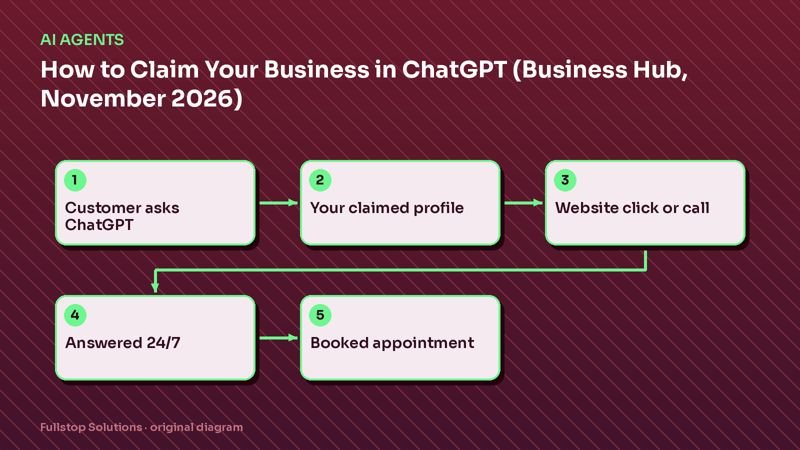
Business Hub can show you that people clicked through to your website. It cannot answer your phone. If ChatGPT sends a ready-to-book patient or homeowner to you at 7:45 PM and the call goes to voicemail, that visibility is wasted. We have written about what missed calls cost; the same math applies to any new traffic source.
For local businesses that cannot publish a Business Agent yet, the practical setup is:
- Claimed profile with accurate hours, phone number, services and website.
- Website FAQ that answers pre-booking questions in plain language.
- An AI voice receptionist that answers every call, 24/7, books or routes the caller and logs the details to your CRM.
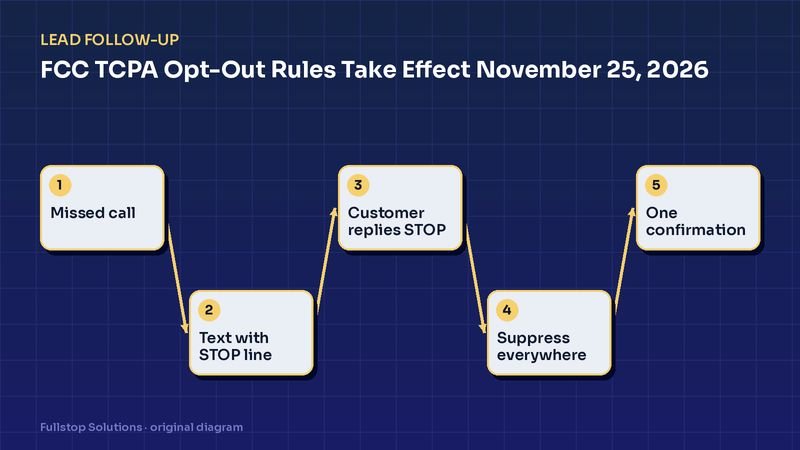
- Missed-call text back and lead follow-up so a caller who hangs up still gets a reply within a minute, with a compliant opt-out line (see our TCPA opt-out rules guide).
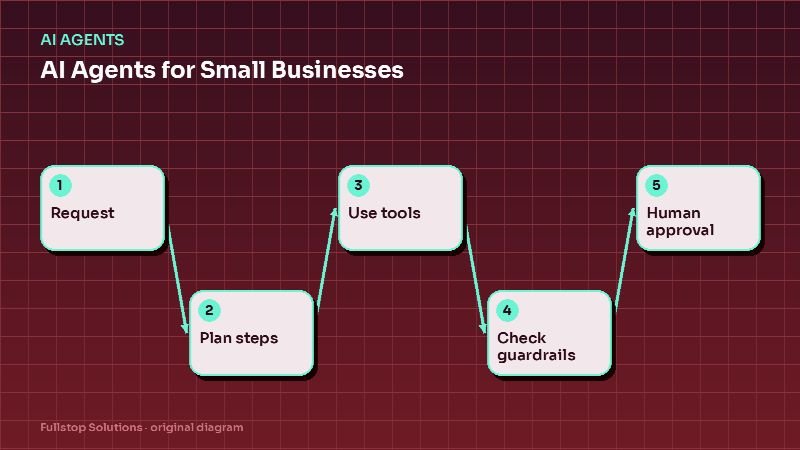
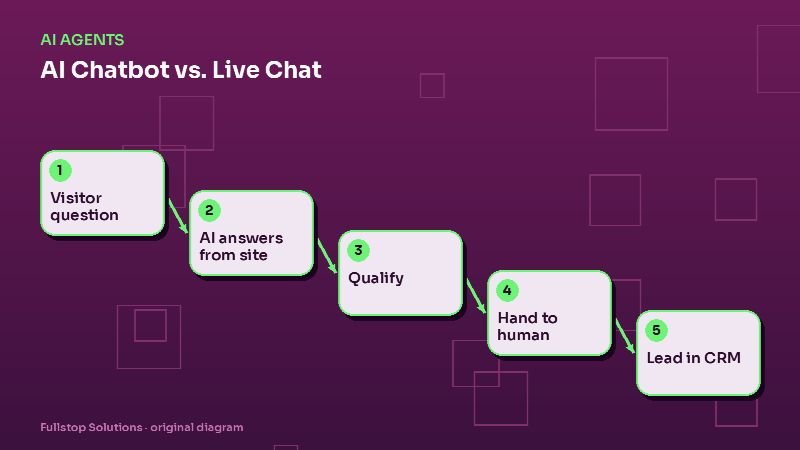
- A website chat agent trained on the same information, so answers match whether someone calls, chats or asks ChatGPT. Our AI agents service and guardrails and human handoff guide cover how to keep it accurate.
If you are eligible for a Business Agent
If you sell online or run an online service business in the U.S., you may be able to publish a Business Agent. OpenAI's policy requires the agent to be clear that it is AI representing your business, not a human or an independent adviser. Preview it with real customer questions, such as your return or cancellation policy, and fix wrong answers before you publish. The same discipline applies to any AI agent you deploy: start from a clean knowledge base and define when it hands off to a person.
How we help
We are an AI automation agency, not OpenAI. We can help you get your website content, phone answering and follow-up ready so that when ChatGPT or any other channel sends you a customer, the conversation turns into a booking. If you already have an AI receptionist or text-back tool, we can review it against the steps above.
Related guides
- AI receptionist guide for small businesses
- AI agents for small business
- AI chatbot vs live chat
- The cost of missed calls
Want to know whether your calls are being answered when new customers find you? Book a free automation audit or contact us.