Skip to content
Fullstop Solutions

Plumbing · Emergency plumbing

AI automation for 24/7 emergency plumbing companies

Answer burst-pipe and flooding calls at 2 AM, walk callers through finding the main shut-off, and get the on-call plumber moving with the details already captured.

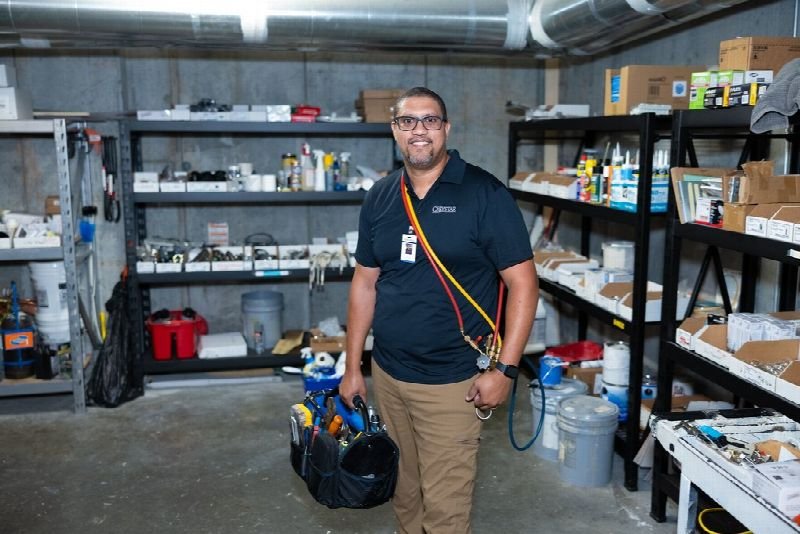
Maintenance technician carrying a tool bag in a supply room

Where time leaks

Where the hours go in emergency plumbing

Patterns we see in this industry. Your workflow will differ; discovery confirms which ones apply.

01

After-hours calls go to voicemail or a generic answering service that cannot tell a dripping faucet from a burst pipe.

02

Flooding callers need to shut off the water now, and many do not know where the main valve is.

03

On-call plumbers get woken for jobs that could wait until morning.

04

After-hours premiums cause disputes when they were not stated on the call.

Common tools in emergency plumbing:ServiceTitanHousecall ProJobberTwilioPagerDutyQuickBooks

Named for compatibility only. No partnership or endorsement implied; we confirm API access for your plan during discovery.

Automation recipes

4 automations built for emergency plumbing

Trigger → steps → outcome. Each one is a scoped, fixed-price build.

Discuss This Solution

Emergency classifier

#1

Trigger After-hours call

  1. Asks if water is actively flowing, sewage is involved or there is no water at all
  2. Classifies as emergency or next-morning using your rules
  3. Books morning jobs and escalates emergencies

Outcome On-call plumbers are woken only for real emergencies

Typical stack: Voice agent, FSM
Shut-off guidance

#2

Trigger Active leak reported

  1. Explains where main shut-off valves are typically located, in your approved wording
  2. Texts a diagram or video you provide
  3. Stays on the line until the caller confirms or the plumber is dispatched

Outcome Less water damage before the plumber arrives

Typical stack: Voice agent, SMS

On-call paging

#3

Trigger Emergency confirmed

  1. Pages the on-call plumber with address and summary
  2. Escalates to the backup if not acknowledged in 5 minutes
  3. Texts the caller an ETA

Outcome Fast, reliable response

Typical stack: PagerDuty or SMS paging

After-hours rate disclosure

#4

Trigger Emergency booking

  1. States your after-hours rates
  2. Records the caller's acknowledgment
  3. Includes it in the job notes

Outcome Fewer billing disputes

Typical stack: Voice agent, FSM

Interactive

Build your automation

Pick what starts it and what should happen next. Your workflow assembles live below. This is a planning tool; we confirm what your tools support during discovery.

2. …do these steps (up to 6)

Your workflow

Planning preview
  1. Trigger

Add at least one step on the left.

Demo

Try a missed-call text-back

Tap "Start a missed call" and reply as the customer. Runs in your browser.

MessagesDEMO
No messages yet

Incoming call…

Nobody can answer right now

Missed-lead revenue estimate

Estimate

Move the sliders to match your business.

Est. recovered / month

Est. per year

missed → re-engaged → won per month

Estimate = leads × missed % × re-engaged % × close % × deal value, using only the numbers you entered. Not a guarantee; excludes software and build costs.

Plan my text-back automation
Demo

Watch the workflow run

Step through "Emergency classifier" one stage at a time. Click any step.

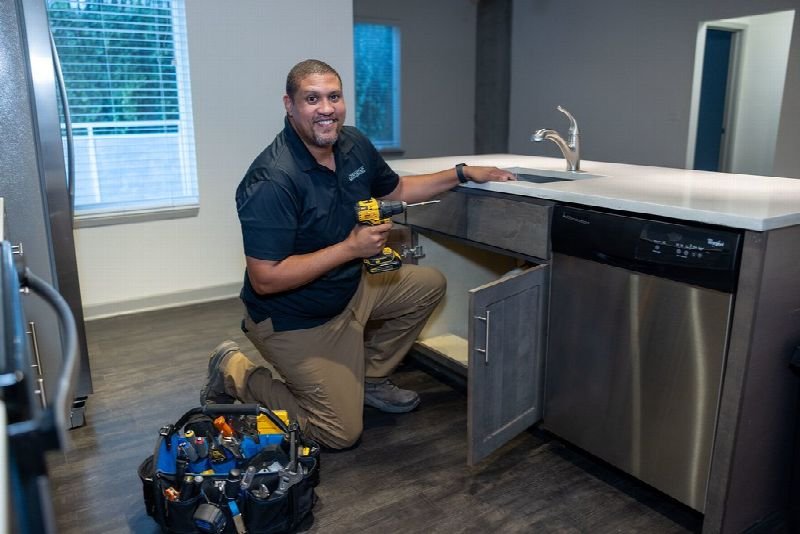
Technician kneeling to repair an appliance in a residential kitchen

ROI estimate

A starting ROI estimate for emergency plumbing

Preset for a small team. Change the numbers to match your business.

Quick estimate

Estimate

Capacity / month

Capacity / year

Calculate Potential Savings →

How we implement

Built around how work actually runs in emergency plumbing

We write the emergency rules and shut-off script with your owner and lead plumber, then test them with recorded test calls before going live.

Discovery call: We walk through your current process and tools (free, 30 minutes).

Workflow map & fixed quote: Written scope, software costs listed separately, compliance notes included.

Build in a test environment: Your accounts, test data first, then a supervised pilot.

Handover: Documentation, training and an optional support plan.

Limitations & compliance notes

  • Shut-off guidance uses only instructions you approve; callers are told to leave the area if there is electrical risk.
  • Recorded or AI-answered calls are disclosed where state consent laws require it.

General information, not legal advice. Confirm requirements with your own counsel or compliance officer.

Want these automations running in your business?

Tell us your tools and the one task you'd remove first. We reply with a plan.

FAQ

Common questions

You define it. Common rules include active flooding, sewage backup and no water.

Yes. If the on-call plumber does not acknowledge, it escalates to the backup.

It can, or it can handle overflow alongside it.

Next step

Tell us how your emergency plumbing work flows today

Two short steps. We reply by email, usually to set up a 30-minute discovery call.

What happens after you submit

  1. 1

    We read it personally

    A person reviews your note. No automated sales sequence.

  2. 2

    We reply by email

    Usually with 2–3 clarifying questions and times for a 30-minute call.

  3. 3

    You get a written plan

    Workflow map, fixed quote and listed software costs before any build. No obligation.

Prefer to talk? Call (214) 891-5650 or email info@fullstopsolutions.com.

Not ready to talk? Try the ROI calculator or readiness check. No email needed.

Request a consultation

Step 1 of 2

Your details

What do you want help with? *

About your project

We reply by email. No automated sales sequences.

Calculate Savings Get My Automation Plan