Skip to content
Fullstop Solutions

Electrical contractors · Commercial electrical

AI automation for commercial electrical contractors

Sort incoming bid invitations, keep RFIs and change orders from slipping, and turn foreman notes into daily reports and pay application backup.

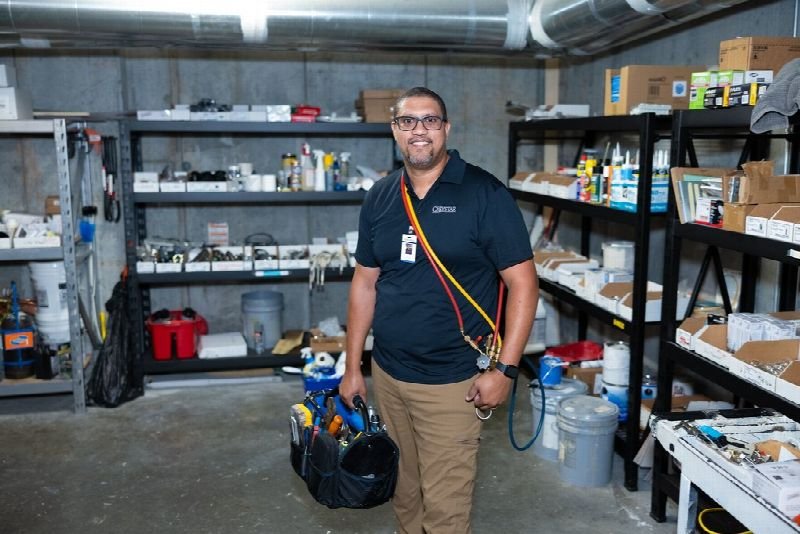
Maintenance technician carrying a tool bag in a supply room

Where time leaks

Where the hours go in commercial electrical

Patterns we see in this industry. Your workflow will differ; discovery confirms which ones apply.

01

Estimators receive dozens of bid invitations a week and spend hours reading specs to decide which jobs fit.

02

RFIs and change orders are tracked across email, Procore and spreadsheets, and unbilled change work is lost.

03

Foremen send daily reports by text or photos that the PM rewrites every evening.

04

Pay applications need backup documents gathered from several systems each month.

Common tools in commercial electrical:ProcoreAutodesk Construction CloudTrimble AccubidMcCormick SystemsSage 100 ContractorFoundation Software

Named for compatibility only. No partnership or endorsement implied; we confirm API access for your plan during discovery.

Automation recipes

4 automations built for commercial electrical

Trigger → steps → outcome. Each one is a scoped, fixed-price build.

Discuss This Solution

Bid invitation triage

#1

Trigger New bid invitation email or platform notice

  1. Extracts scope, due date, location, bonding and GC
  2. Scores fit against your criteria such as size and distance
  3. Posts a summary to estimators with go or no-go suggestion

Outcome Estimators spend time on bids worth winning

Typical stack: Email parsing, bid boards, Teams or Slack

Change-order watcher

#2

Trigger Field note, RFI answer or email mentions added scope

  1. Flags possible extra work and links the source
  2. Creates a draft change-order request for the PM
  3. Reminds the PM until it is submitted or dismissed

Outcome Fewer unbilled changes at project closeout

Typical stack: Procore or ACC, email

Daily report builder

#3

Trigger Foreman sends end-of-day notes and photos

  1. Converts notes into your daily report format
  2. Logs manpower, deliveries and delays
  3. Files it to the project and emails the PM

Outcome Consistent daily logs without evening rewriting

Typical stack: SMS or app input, Procore daily logs

Pay app backup assembler

#4

Trigger Pay application due date approaching

  1. Collects approved change orders, lien waivers and stored material invoices
  2. Checks against the schedule of values
  3. Builds the backup package for PM review

Outcome Pay apps submitted on time with complete backup

Typical stack: Accounting system, document storage

Interactive

Build your automation

Pick what starts it and what should happen next. Your workflow assembles live below. This is a planning tool; we confirm what your tools support during discovery.

2. …do these steps (up to 6)

Your workflow

Planning preview
  1. Trigger

Add at least one step on the left.

Demo

Try a missed-call text-back

Tap "Start a missed call" and reply as the customer. Runs in your browser.

MessagesDEMO
No messages yet

Incoming call…

Nobody can answer right now

Missed-lead revenue estimate

Estimate

Move the sliders to match your business.

Est. recovered / month

Est. per year

missed → re-engaged → won per month

Estimate = leads × missed % × re-engaged % × close % × deal value, using only the numbers you entered. Not a guarantee; excludes software and build costs.

Plan my text-back automation
Demo

Watch the workflow run

Step through "Bid invitation triage" one stage at a time. Click any step.

Professional reviewing paperwork on a clipboard at an office desk

ROI estimate

A starting ROI estimate for commercial electrical

Preset for a small team. Change the numbers to match your business.

Quick estimate

Estimate

Capacity / month

Capacity / year

Calculate Potential Savings →

How we implement

Built around how work actually runs in commercial electrical

We begin with one active project and your bid inbox, mapping how information flows between estimating, PMs and accounting before connecting systems.

Discovery call: We walk through your current process and tools (free, 30 minutes).

Workflow map & fixed quote: Written scope, software costs listed separately, compliance notes included.

Build in a test environment: Your accounts, test data first, then a supervised pilot.

Handover: Documentation, training and an optional support plan.

Limitations & compliance notes

  • Change-order drafts are suggestions; your PM decides what is submitted to the GC.
  • Project documents remain in your systems; we work within each platform's permissions.

General information, not legal advice. Confirm requirements with your own counsel or compliance officer.

Want these automations running in your business?

Tell us your tools and the one task you'd remove first. We reply with a plan.

Part of Electrical contractors

The broader playbook for the whole trade, including recipes that apply across specialties.

AI automation for Electrical contractors →

Related industries

Services behind these automations

FAQ

Common questions

Procore has a public API, and we use it with your account permissions for daily logs, RFIs and documents.

No. It speeds up bid triage and paperwork; takeoffs stay with your estimating software.

The same people who see them today. The format is just more consistent.

Next step

Tell us how your commercial electrical work flows today

Two short steps. We reply by email, usually to set up a 30-minute discovery call.

What happens after you submit

  1. 1

    We read it personally

    A person reviews your note. No automated sales sequence.

  2. 2

    We reply by email

    Usually with 2–3 clarifying questions and times for a 30-minute call.

  3. 3

    You get a written plan

    Workflow map, fixed quote and listed software costs before any build. No obligation.

Prefer to talk? Call (214) 891-5650 or email info@fullstopsolutions.com.

Not ready to talk? Try the ROI calculator or readiness check. No email needed.

Request a consultation

Step 1 of 2

Your details

What do you want help with? *

About your project

We reply by email. No automated sales sequences.

Calculate Savings Get My Automation Plan