Skip to content
Fullstop Solutions

HVAC · Commercial HVAC

AI automation for commercial HVAC contractors

Keep PM schedules on time across every building, turn facility work orders into dispatched jobs in minutes, and send property managers the reports they keep asking for.

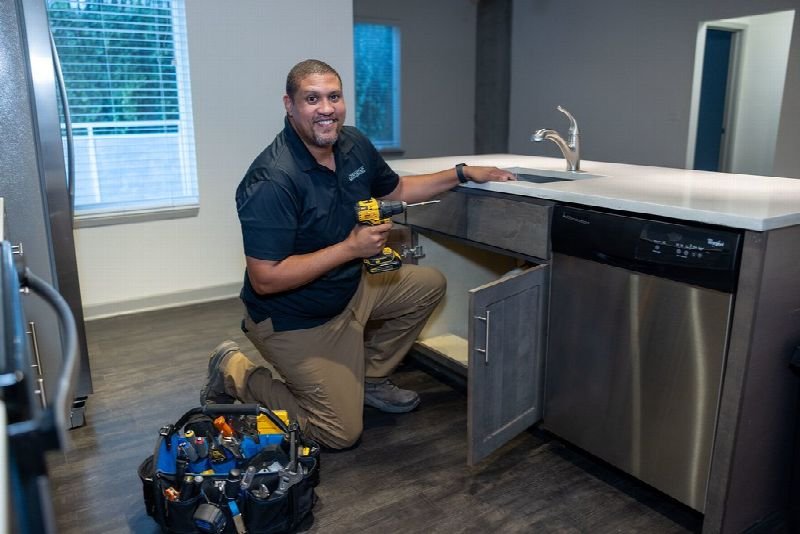
Technician kneeling to repair an appliance in a residential kitchen

Where time leaks

Where the hours go in commercial HVAC

Patterns we see in this industry. Your workflow will differ; discovery confirms which ones apply.

01

Work orders arrive through facility portals, email and phone, and someone re-keys each one into the dispatch board before a tech can be assigned.

02

Quarterly PM visits on rooftop units slip because the schedule lives in a spreadsheet that one coordinator maintains.

03

Property managers want a written service report with readings and photos, and techs hand in notes that need an hour of clean-up.

04

Deficiency findings from PMs turn into repair quotes weeks later, after the building owner has budgeted elsewhere.

Common tools in commercial HVAC:ServiceTitanBuildOpsFieldEdgeProcoreServiceChannelQuickBooks

Named for compatibility only. No partnership or endorsement implied; we confirm API access for your plan during discovery.

Automation recipes

4 automations built for commercial HVAC

Trigger → steps → outcome. Each one is a scoped, fixed-price build.

Discuss This Solution

Facility-portal work-order intake

#1

Trigger New work order appears in a portal such as ServiceChannel or in the service inbox

  1. Extracts site, asset tag, NTE limit and priority from the request
  2. Matches the site to the customer and agreement in your FSM
  3. Creates the job and alerts dispatch if priority is P1 or P2

Outcome Portal requests become dispatchable jobs without re-typing

Typical stack: Portal email notifications, ServiceTitan or BuildOps API
PM calendar generator

#2

Trigger Agreement start date or season change

  1. Reads each agreement's visit frequency and unit count
  2. Proposes visit dates grouped by geography
  3. Sends the site contact a confirmation with the access window

Outcome PM visits are booked a season ahead, not the week before

Typical stack: FSM agreements, Google or Outlook calendar

PM report writer

#3

Trigger Tech closes a PM visit with readings and photos

  1. Turns checklist readings and photos into a branded PDF report
  2. Highlights out-of-range readings in plain language
  3. Emails the report to the property manager for the site

Outcome Every visit produces a report the customer can forward to ownership

Typical stack: FSM forms, document generation, email

Deficiency-to-quote follow-up

#4

Trigger PM checklist flags a failed or worn component

  1. Drafts a repair quote line from the deficiency and parts list
  2. Routes it to the service manager for pricing approval
  3. Follows up with the property manager at 7 and 21 days

Outcome Deficiencies become quotes while the problem is still fresh

Typical stack: BuildOps or ServiceTitan estimates, email

Interactive

Build your automation

Pick what starts it and what should happen next. Your workflow assembles live below. This is a planning tool; we confirm what your tools support during discovery.

2. …do these steps (up to 6)

Your workflow

Planning preview
  1. Trigger

Add at least one step on the left.

Demo

Try a missed-call text-back

Tap "Start a missed call" and reply as the customer. Runs in your browser.

MessagesDEMO
No messages yet

Incoming call…

Nobody can answer right now

Missed-lead revenue estimate

Estimate

Move the sliders to match your business.

Est. recovered / month

Est. per year

missed → re-engaged → won per month

Estimate = leads × missed % × re-engaged % × close % × deal value, using only the numbers you entered. Not a guarantee; excludes software and build costs.

Plan my text-back automation
Demo

Watch the workflow run

Step through "Facility-portal work-order intake" one stage at a time. Click any step.

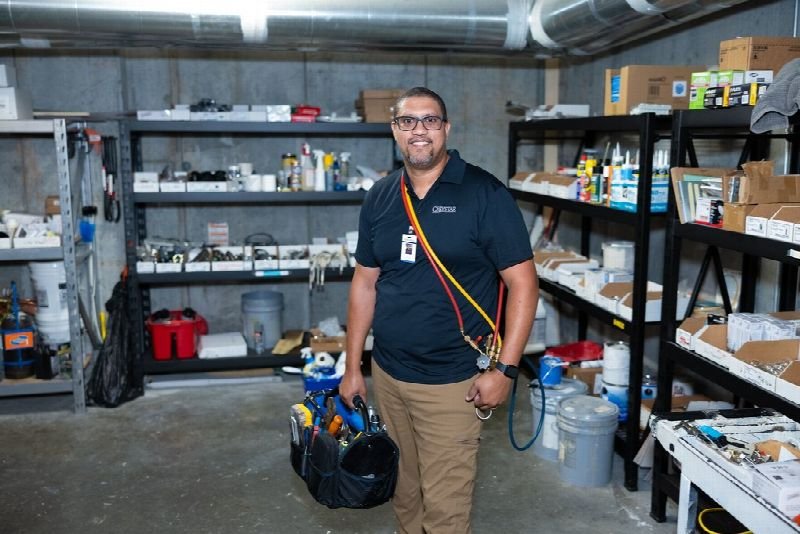
Maintenance technician carrying a tool bag in a supply room

ROI estimate

A starting ROI estimate for commercial HVAC

Preset for a small team. Change the numbers to match your business.

Quick estimate

Estimate

Capacity / month

Capacity / year

Calculate Potential Savings →

How we implement

Built around how work actually runs in commercial HVAC

We start by listing every channel work orders come in through, then map each portal's fields to your FSM. Report templates are approved by your service manager before any customer sees one.

Discovery call: We walk through your current process and tools (free, 30 minutes).

Workflow map & fixed quote: Written scope, software costs listed separately, compliance notes included.

Build in a test environment: Your accounts, test data first, then a supervised pilot.

Handover: Documentation, training and an optional support plan.

Limitations & compliance notes

  • Refrigerant handling and recovery records stay the responsibility of your EPA Section 608 certified techs; automation only formats the data they enter.
  • Portal terms of service vary. Where a portal has no API we work from its notification emails rather than scraping it.

General information, not legal advice. Confirm requirements with your own counsel or compliance officer.

Want these automations running in your business?

Tell us your tools and the one task you'd remove first. We reply with a plan.

FAQ

Common questions

Usually yes, by parsing the notification emails each portal sends. Where a portal offers an API to your account, we use that instead.

Reports are generated from your techs' readings and photos, and you choose whether a manager approves each one before it is sent.

Yes. The NTE from the work order is stored on the job and the tech is warned before quoting above it.

Next step

Tell us how your commercial HVAC work flows today

Two short steps. We reply by email, usually to set up a 30-minute discovery call.

What happens after you submit

  1. 1

    We read it personally

    A person reviews your note. No automated sales sequence.

  2. 2

    We reply by email

    Usually with 2–3 clarifying questions and times for a 30-minute call.

  3. 3

    You get a written plan

    Workflow map, fixed quote and listed software costs before any build. No obligation.

Prefer to talk? Call (214) 891-5650 or email info@fullstopsolutions.com.

Not ready to talk? Try the ROI calculator or readiness check. No email needed.

Request a consultation

Step 1 of 2

Your details

What do you want help with? *

About your project

We reply by email. No automated sales sequences.

Calculate Savings Get My Automation Plan